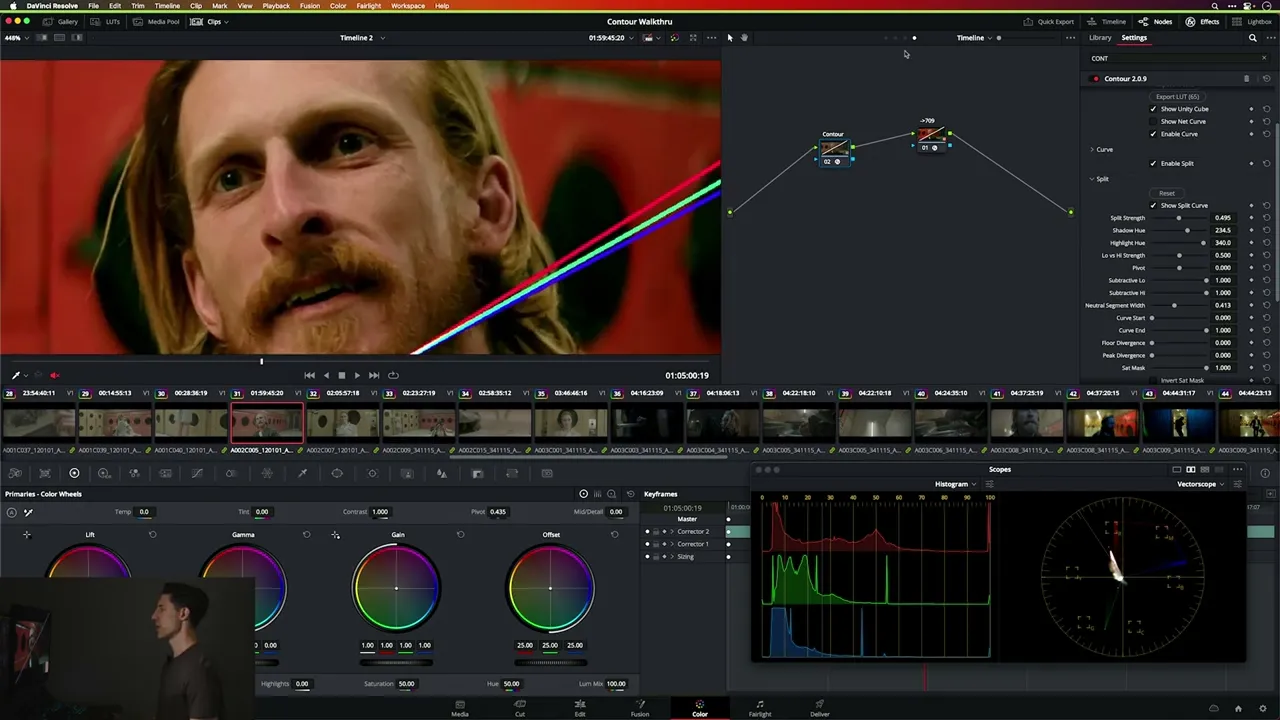




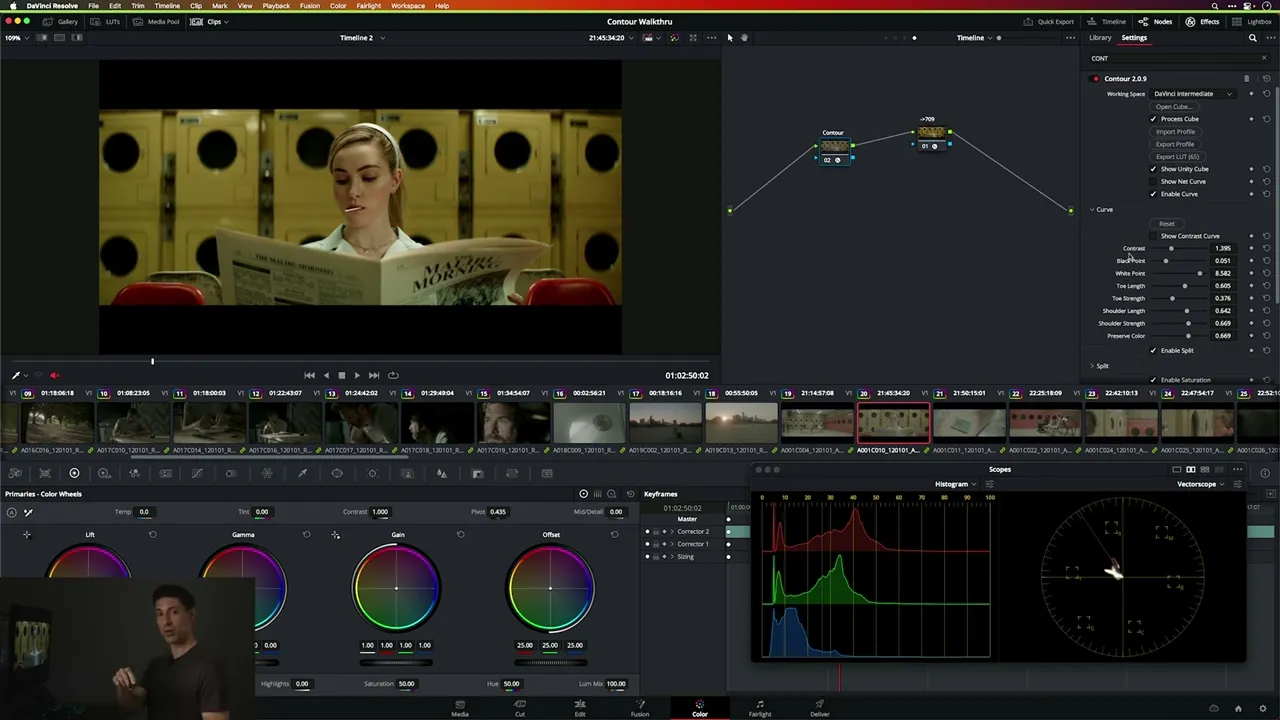
CONTOUR

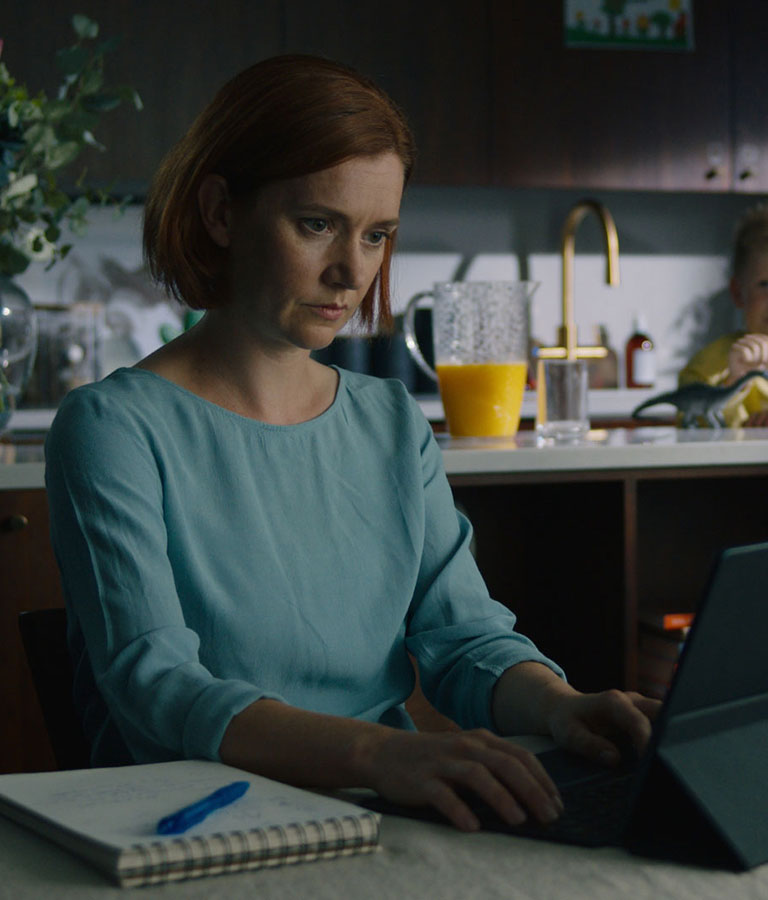
Custom looks in minutes, not hours.

Custom looks in minutes, not hours.

Custom looks in minutes, not hours.

Look dev that listens.

Intelligent color science that adapts in real time to your creative intent.
Every module translates your slider moves into looks that are aesthetic on every shot
and won't break, no matter how far you push.

Intelligent color science that adapts in real time to your creative intent. Every module translates your slider moves into looks that are beautiful on every shot and won't break, no matter how far you push.

Intelligent color science that adapts in real time to your creative intent.
Every module translates your slider moves into looks that are beautiful
on every shot and won't break, no matter how far you push.

look development

Great looks by design.

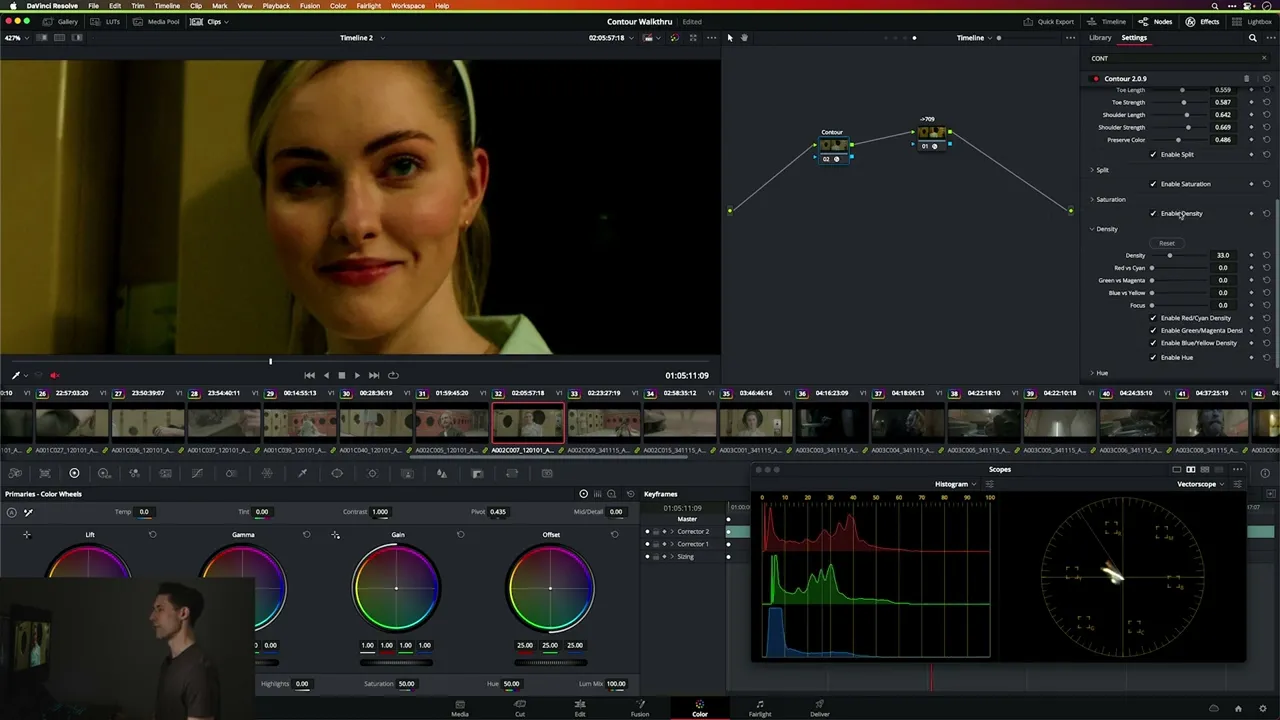
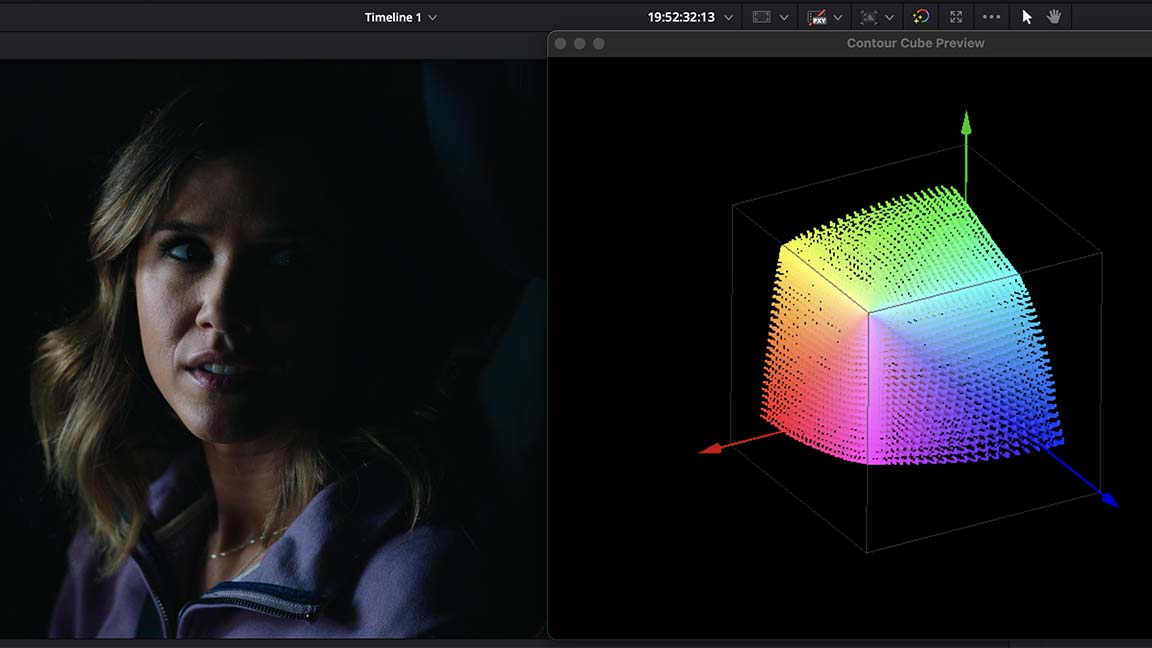
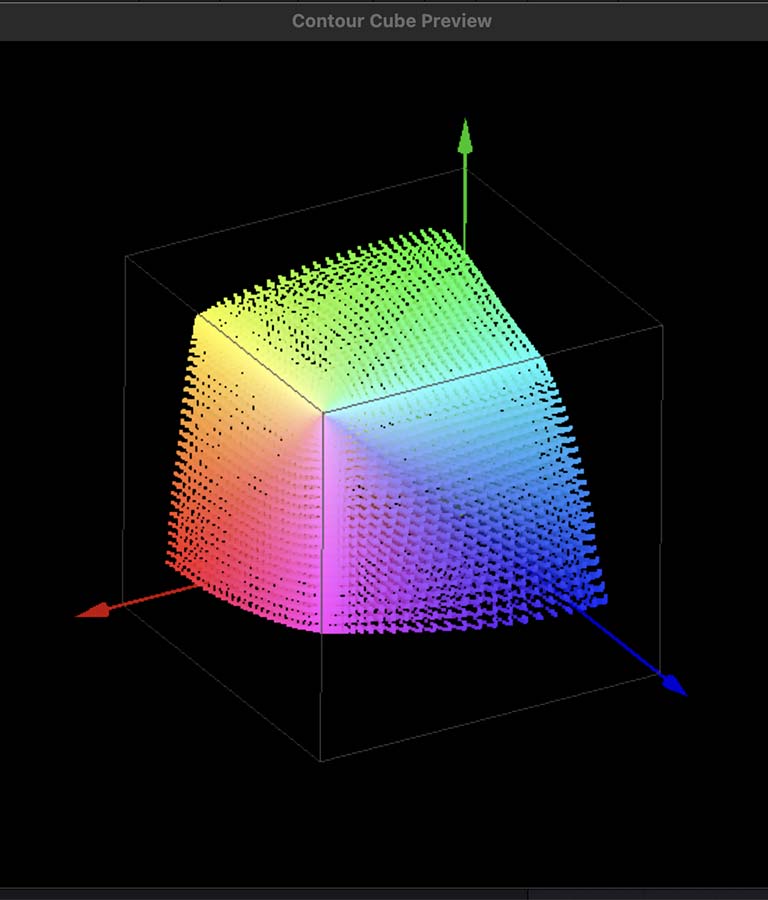
Contour walks you through look design in order of impact - Curve, Split, Saturation, Split Saturation, Density, Hue. Each module builds on the last, so however much time you have, it goes to what matters most.

luts

LUTs that travel.

Export any look you build in Contour as a LUT that works beautifully across every shot - from production to post, without breaking.

"…with Contour I can get there quickly with sliders,
seeing results before the idea has left my mind
or the client has become impatient."

"…with Contour I can get there quickly with sliders, seeing results before the idea has left my mind or the client has become impatient."

"…with Contour I can get there quickly with sliders, seeing results before the idea has left my mind or the client has become impatient."

Kali Bateman

Kali Bateman

Elvis, The Last of Us, Dune & Wonder Woman 1984

Elvis, The Last of Us, Dune & Wonder Woman 1984

Curve Module

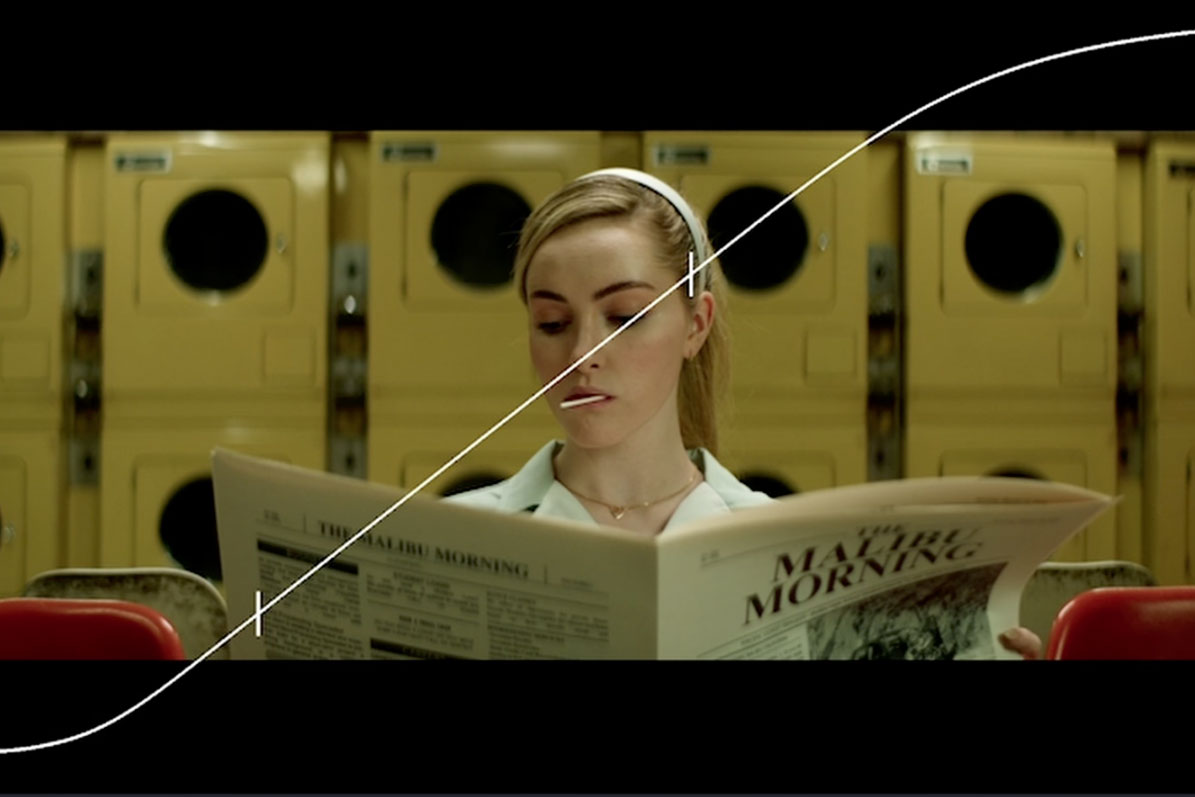
Contrast without compromise.

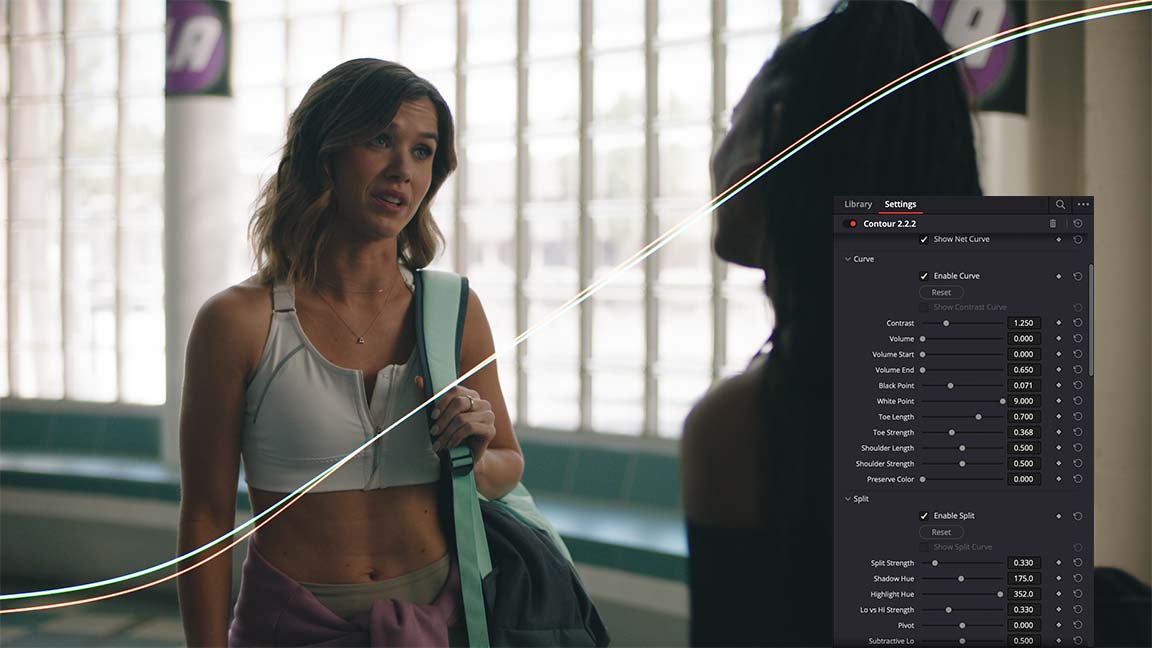
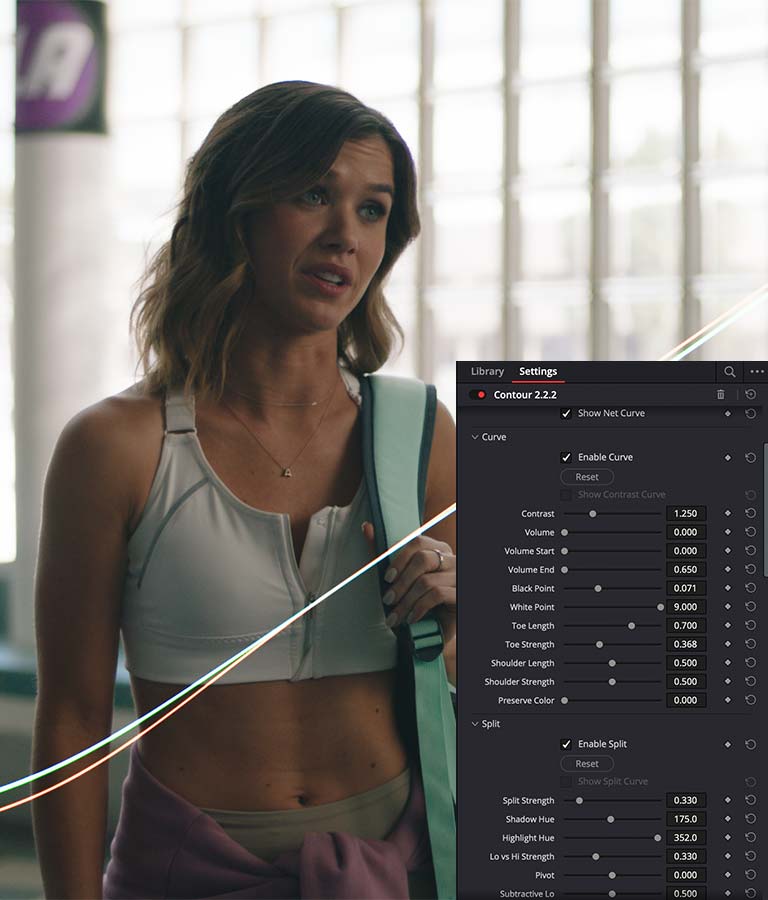
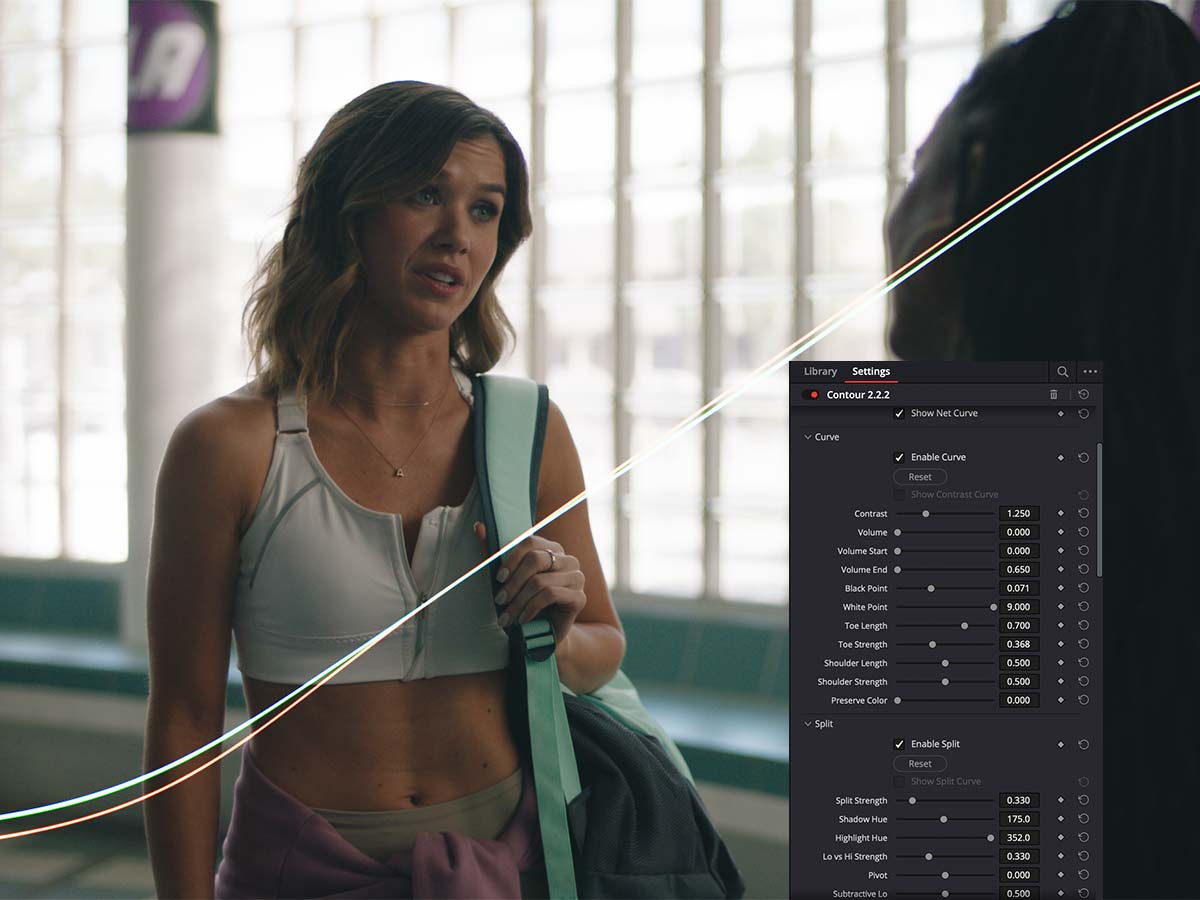
Seven independent control points that don't fight each other.
Shape your highlights without throwing off your shadows. Adjust your toe without
shifting your shoulder. The curve adapts to your intent, so every move lands cleanly.

Seven independent control points that don't fight each other. Shape your highlights without throwing off your shadows. Adjust your toe without shifting your shoulder. The curve adapts to your intent, so every move lands cleanly.

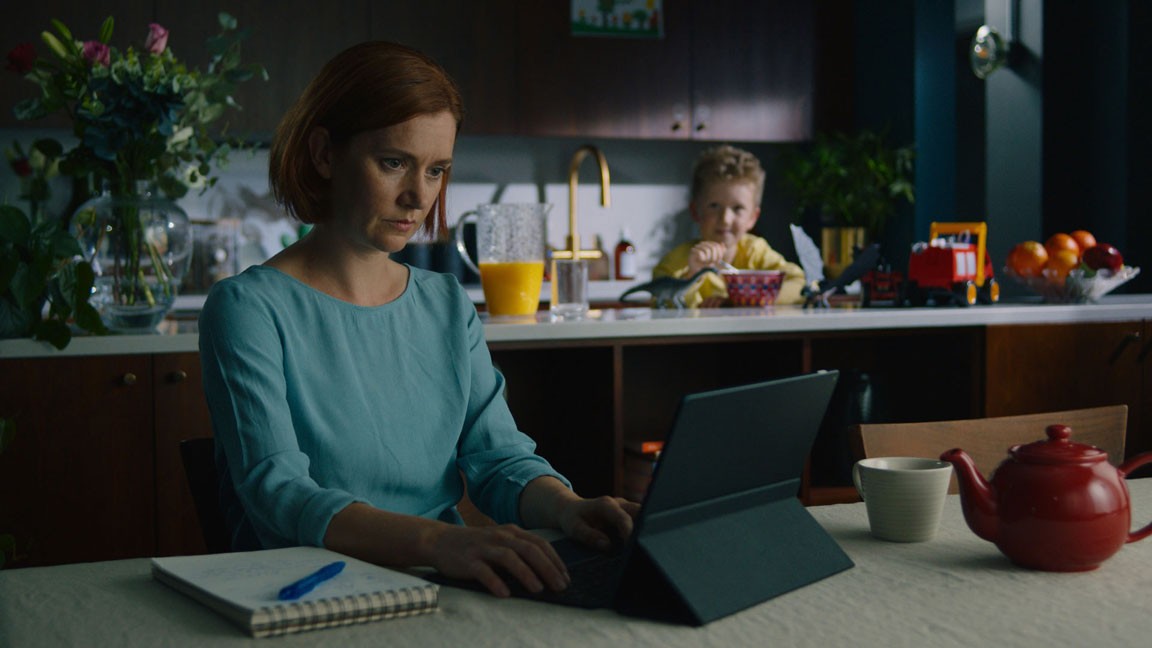
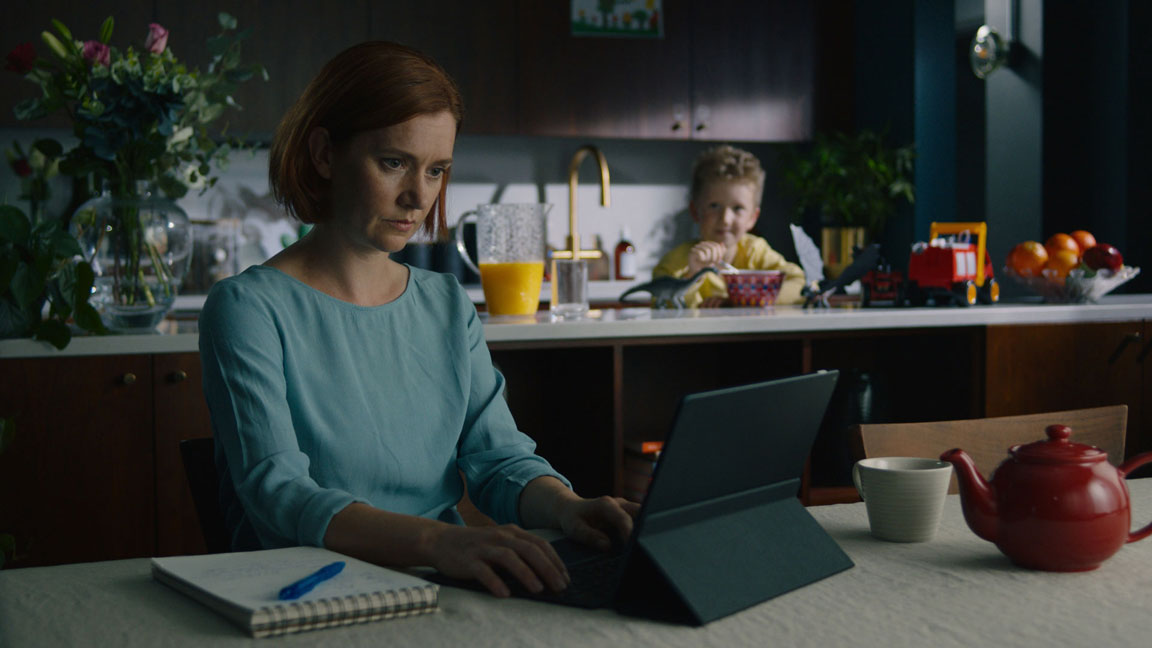
Before

After

Before

After

Before

After

This look, inspired by '1917' has a thicker, yet controlled contrast.

Before

After

Before

After

Before

After

Or create more extreme looks, without sacrificing your image - like the ever popular Bleach Bypass.

Introduction to the Curve module (6 mins)

Split Module

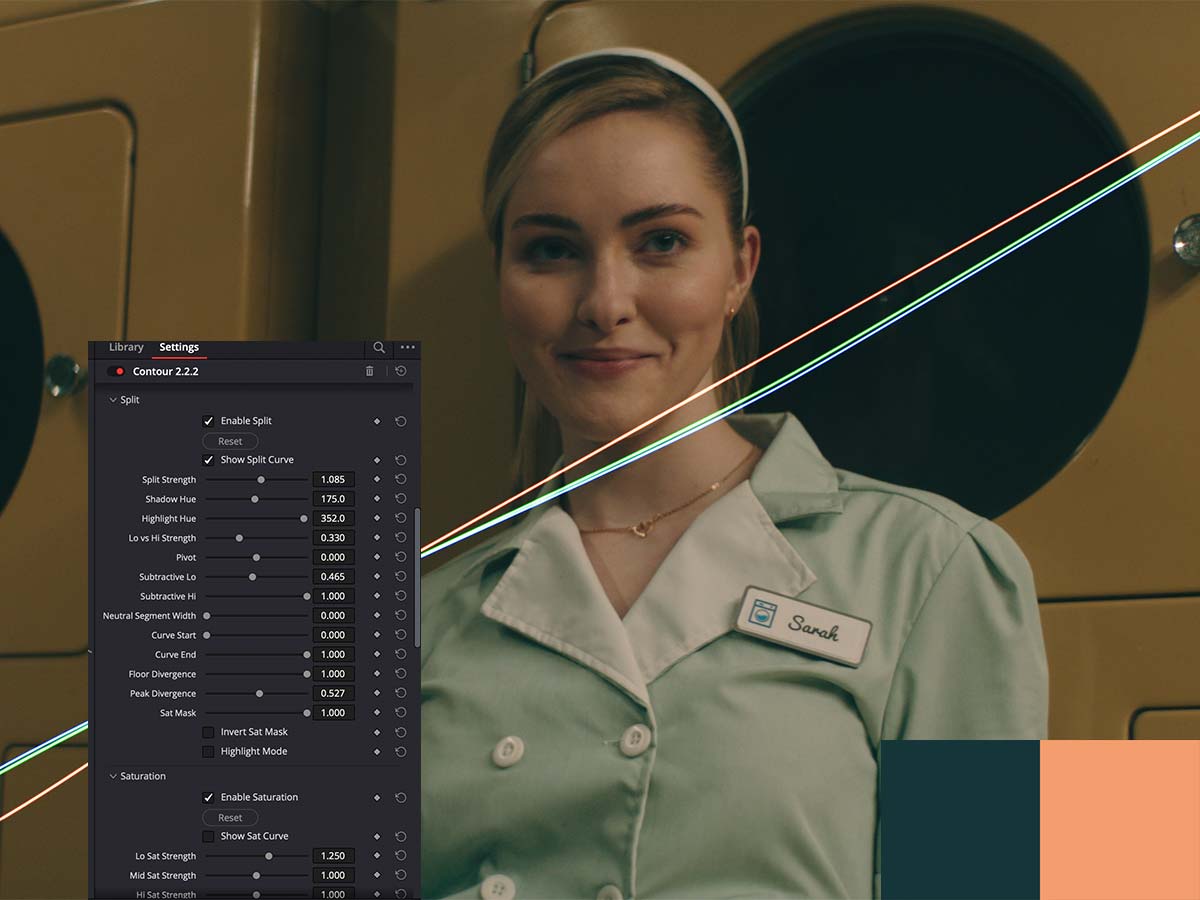
Split-toning without the side effects.

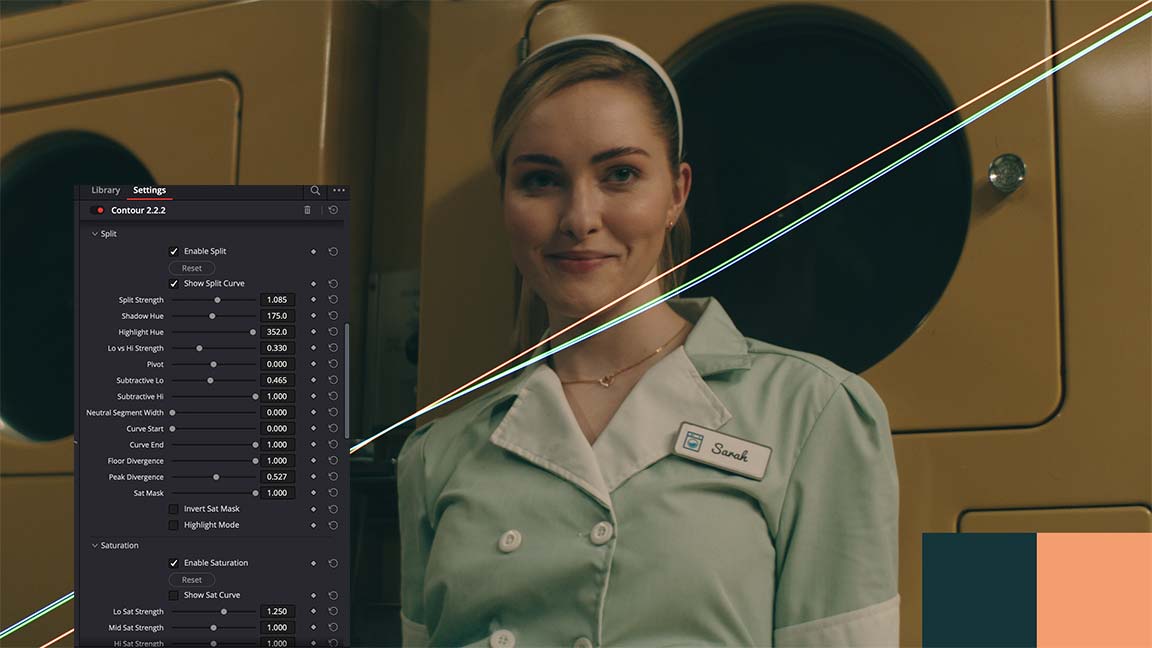
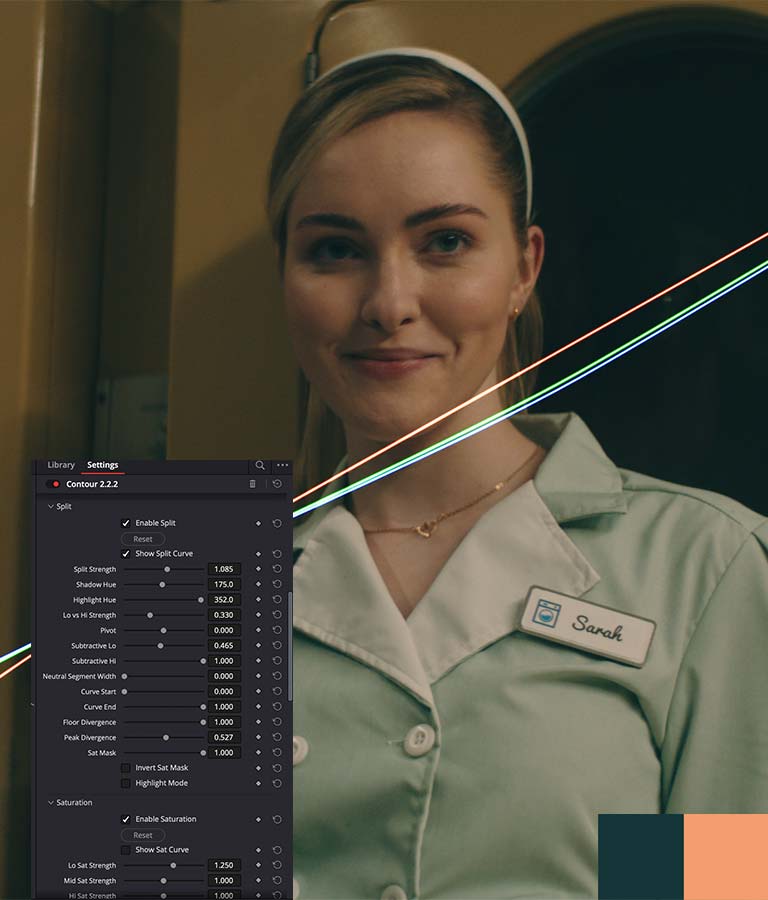
No unwanted tinting of neutrals. No dusty skies. No oversaturated skin. Contour uses advanced saturation masking to cleanly exclude neutral areas, preserves colors near middle gray to keep skin natural, and protects your blacks and bright highlights - so you can push your split further without showing your hand. On-screen swatches get you to your colors fast, and Subtractive sliders let you finesse how the split interacts with your contrast decisions.


Before

After

Before

After

Before

After

The extra controls and specialized masking in Contour let you get depth, color separation and filmic aesthetics
without the split overtaking the image. This example is pushed hard, for more obvious effect.

The extra controls and specialized masking in Contour let you get depth, color separation and filmic aesthetics without the split overtaking the image. This example is pushed hard, for more obvious effect.

VERIFIED USER

"I'm especially sold on the split-tone section."
"I'm especially sold on the split-tone section.
What I can do here in minutes would take forever with curves."

Introduction to the Split-Tone module (17 mins)

Saturation Module

Saturation that sings.

Where other saturation tools go flat or neon, Contour retains detail and natural color relationships.
Three independent sliders for low, mid, and high saturation let you reshape color across the image - then Versus sliders use patent-pending color science to selectively separate colors, adding depth and dimension in seconds.

Where other tools go flat or neon, Contour retains detail and natural color relationships. Three independent sliders for low, mid, and high saturation let you reshape color across the image - then Versus sliders use patent-pending color science to selectively separate colors, adding depth and dimension in seconds.

Before

After

Before

After

Before

After

Saturation in a look isn't just about more color - it's about harmony. Notice how the image feels more colorful, but most of that comes from compressing the range of saturations together, not from cranking everything up.

This look feels more colorful, but most of that colorfulness comes from the areas further away from the focus increasing in saturation, as a result of compressing the range of saturations together.

Before

After

Before

After

Before

After

Here's the flipside - same image, but compressing saturations to reduce colorfulness while keeping balance.
The colors still feel pleasing, and without the comparison you might not even read it as desaturated.

Here's the flipside - same image, but compressing saturations to reduce colorfulness while keeping balance. The colors still feel pleasing, and without the comparison you might not even read it as desaturated.

Before

After

Before

After

Before

After

A look like this takes seconds in Contour - all broad adjustments, no breakage
and the saturation curve travels across every image.
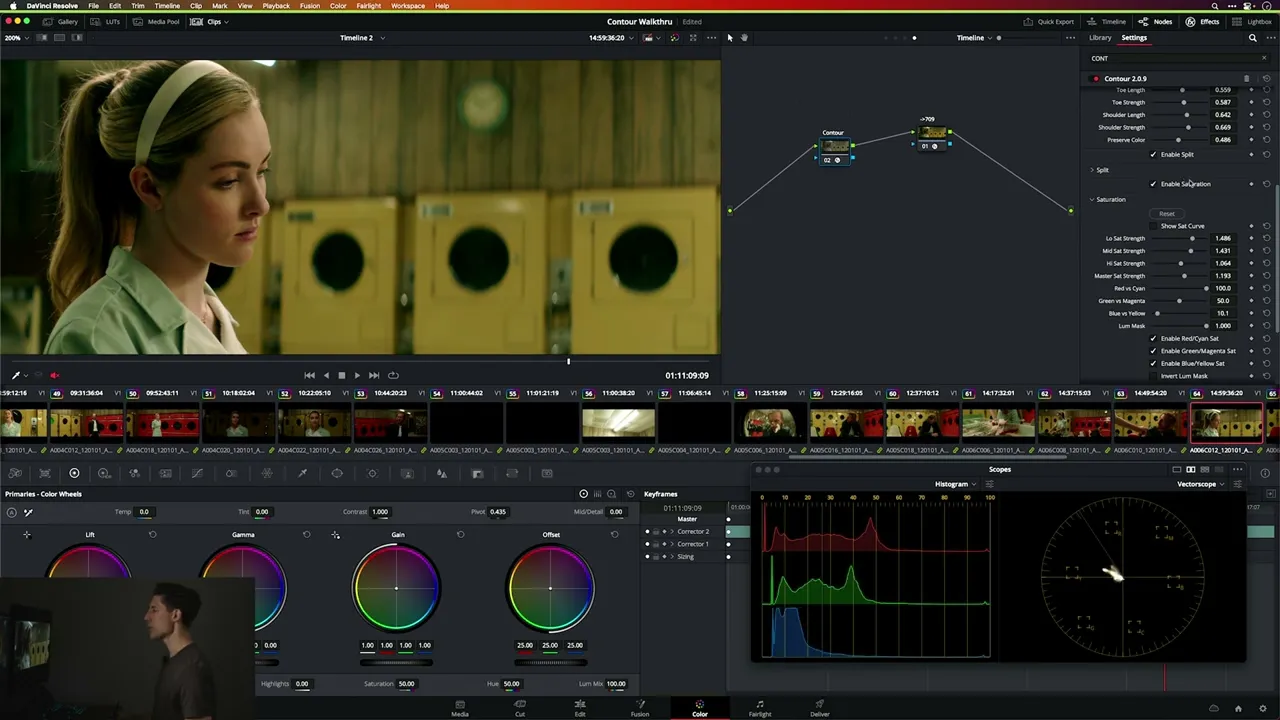
Introduction to the Saturation module (8 mins)

Density Module

Color weight where you want it.

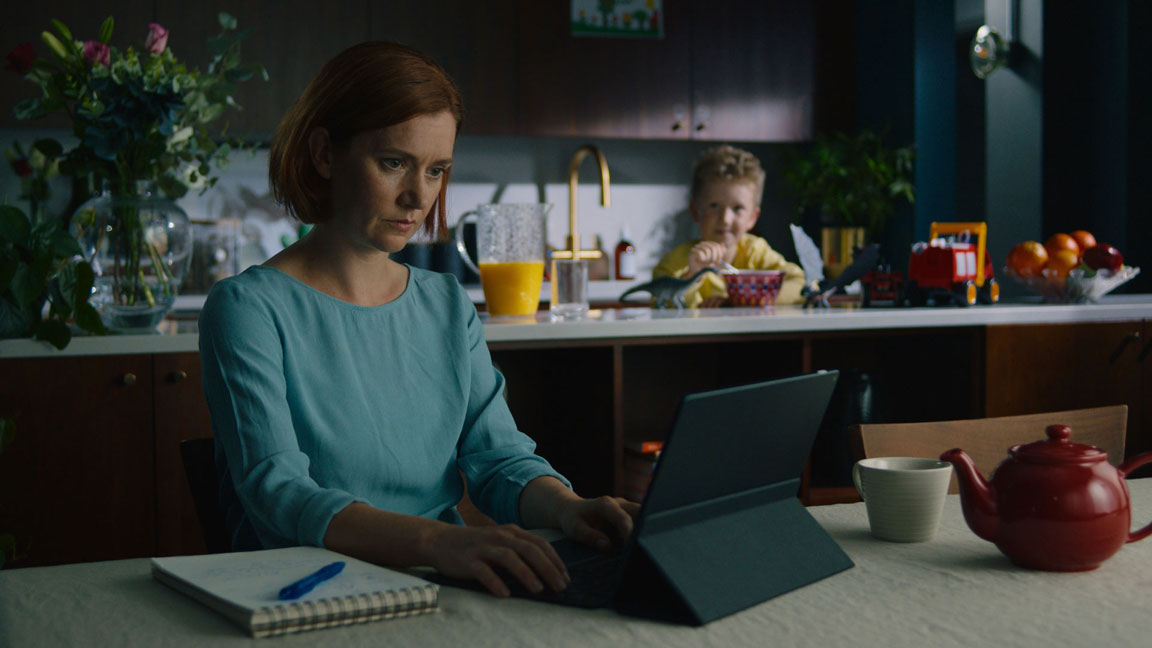
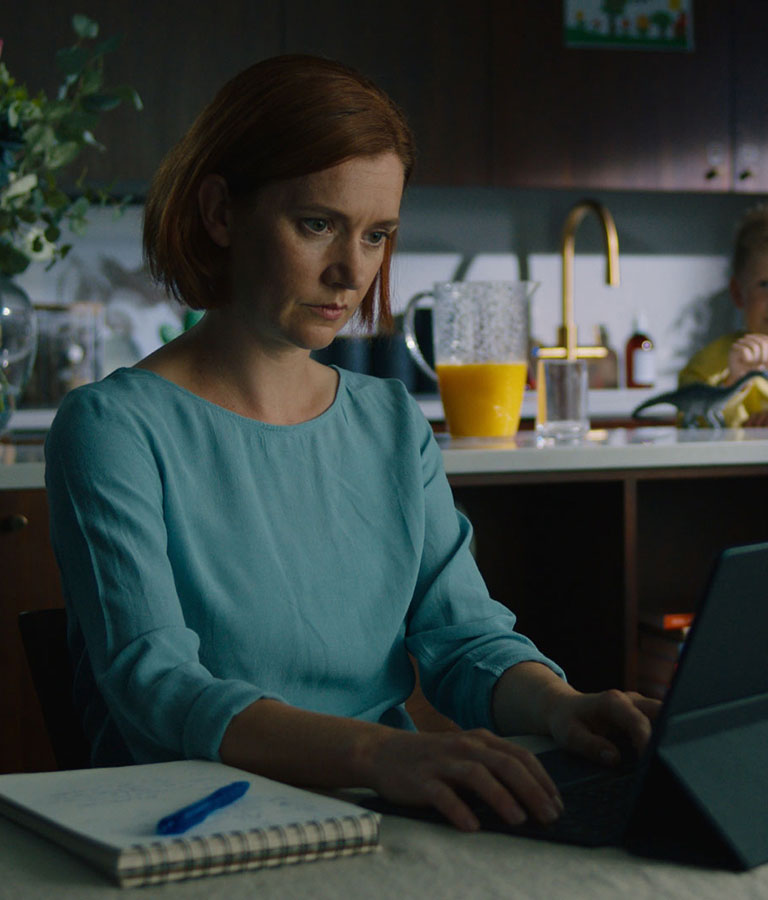
Contour's density module cleanly differentiates saturated colors, adding organic weight without noise or artifacting. Versus sliders let you tune the behavior independently across RGBCMY, and a Focus slider adjusts saturation tolerance to give you precise control over where density lands.
Before

After

Before

After

Before

After

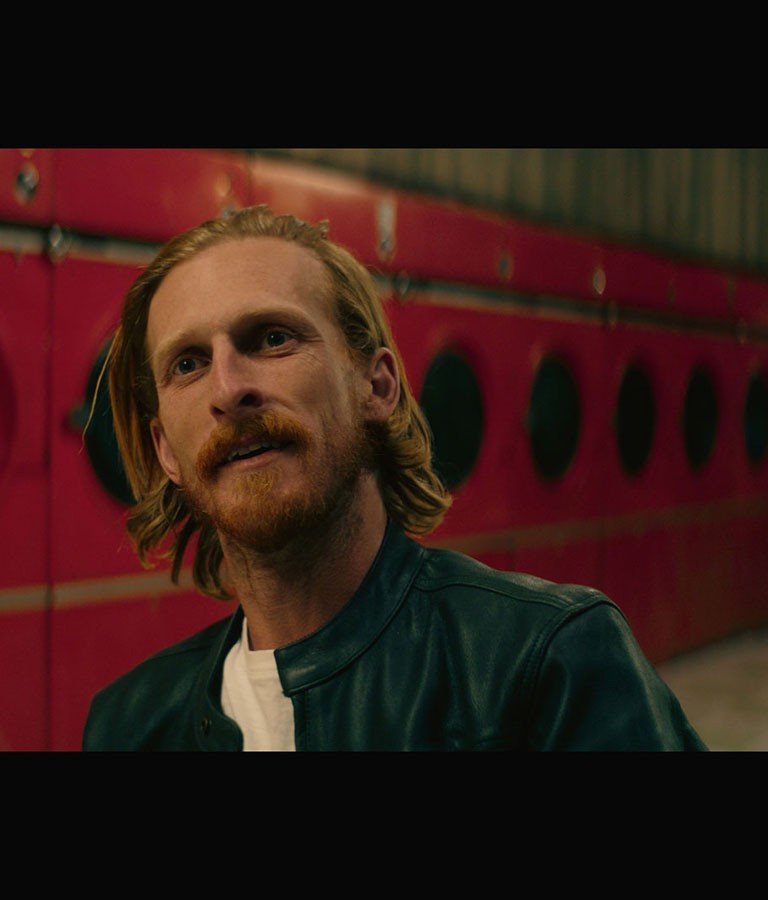
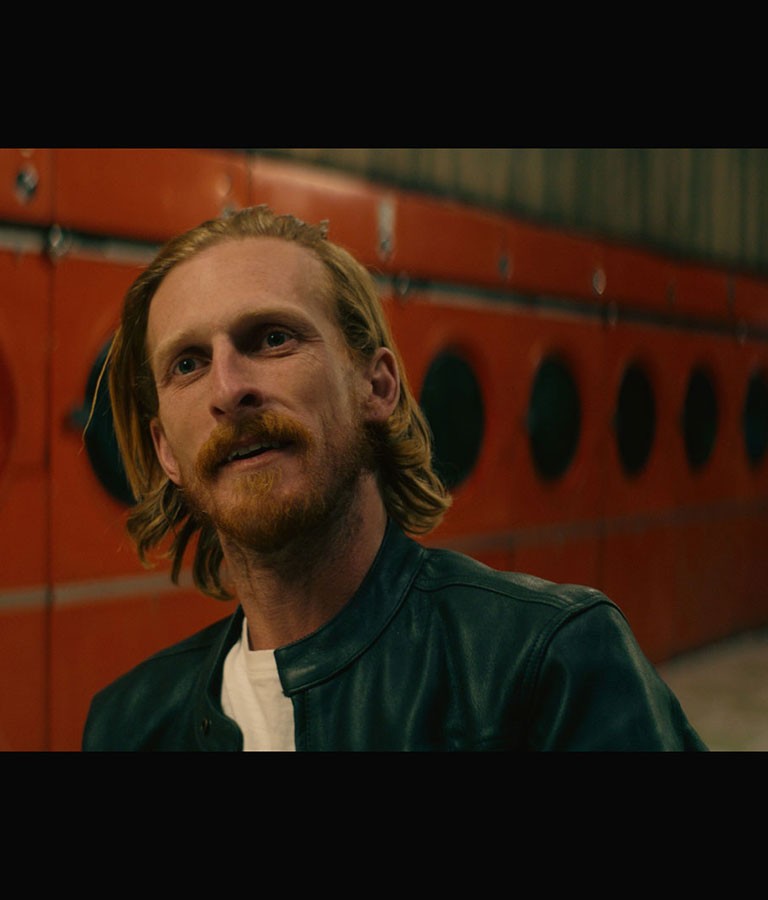
Density pushed into the reds without the usual problems - yellows stay yellow, skin stays clean.
This isn’t a narrow adjustment, it’s Contour's advanced masking at work.

Density pushed into the reds without the usual problems - yellows stay yellow, skin stays clean. This isn’t a narrow adjustment, it’s Contour's advanced masking at work.

VERIFIED USER

"For me, the simplicity and versatility is why
it's so much better than most other plug ins/DCTLs"
"For me, the simplicity and versatility is why it's so much better than most other plug ins/DCTLs. It's ability to safeguard your image is far and above anything else I've used over the years."

Introduction to the Density module (8 mins)

Hue Module

Hue how you see it.

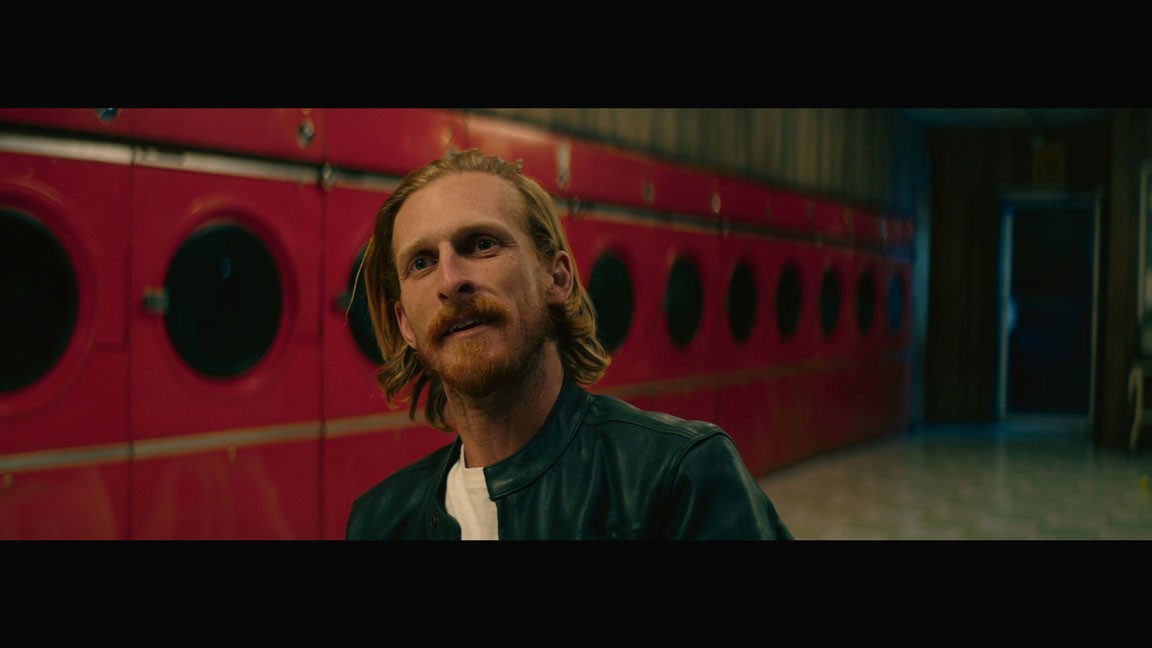
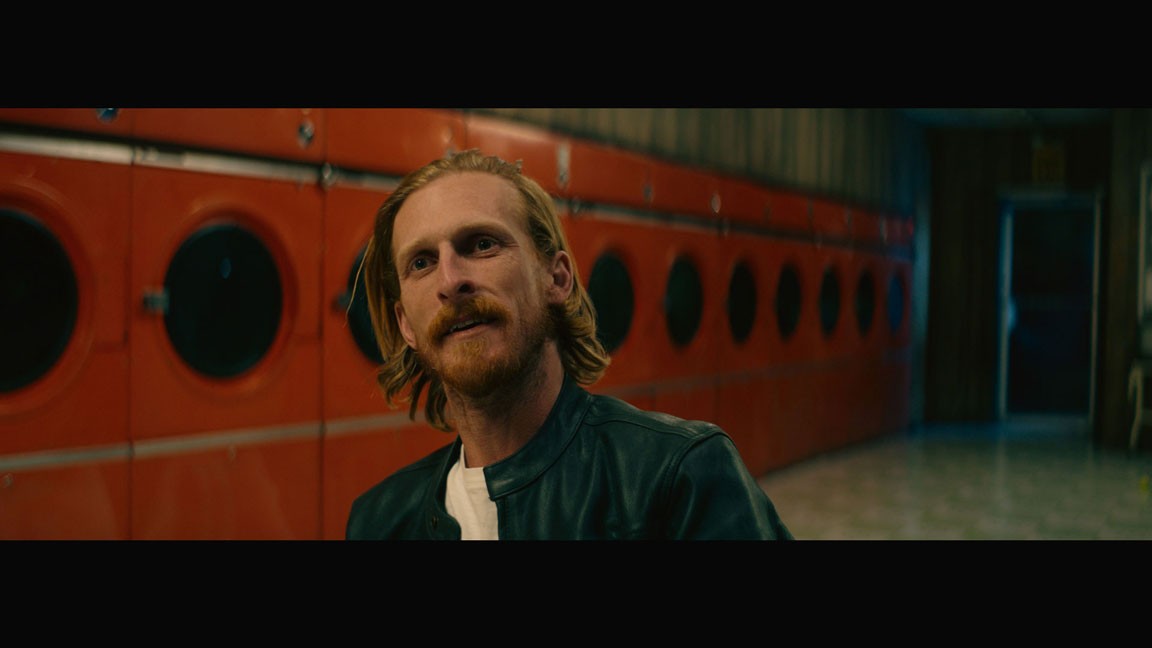
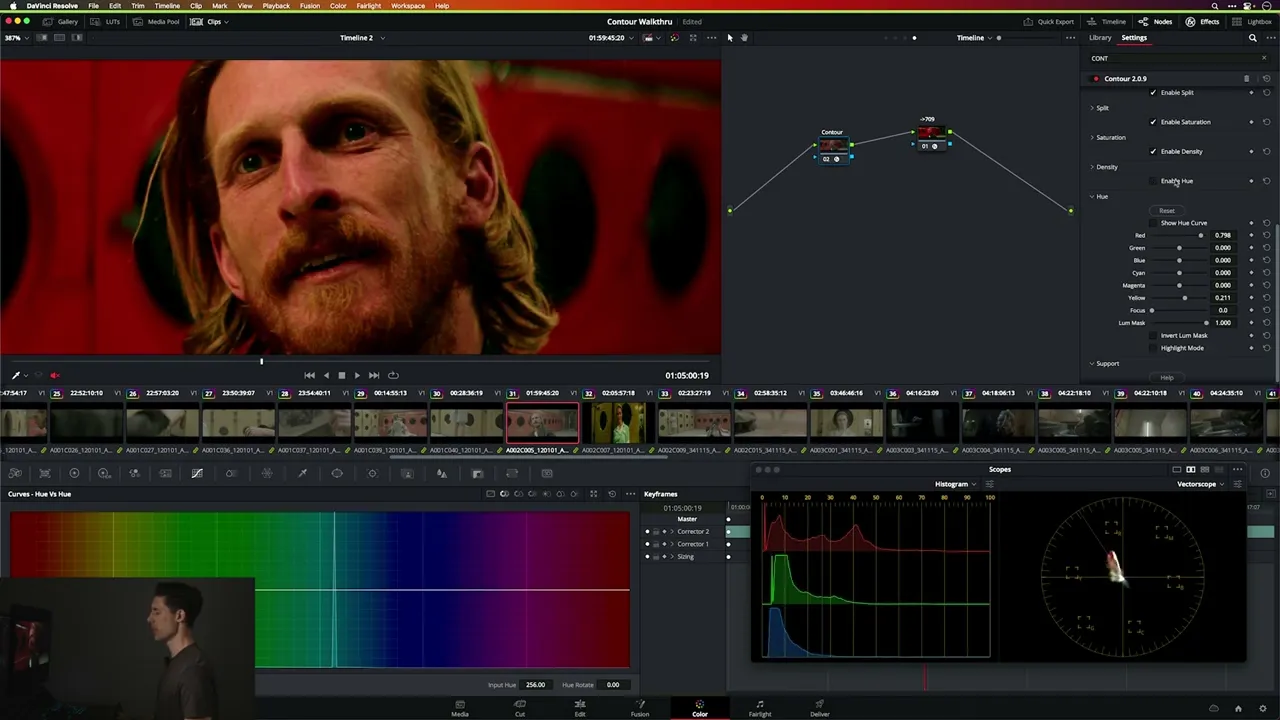
Contour's Hue module targets colors the way we perceive them, not how abstract color science defines them - so what you reach for is what you get. Saturation-sensitive targeting lets you do things like manipulate reds without touching skin tones. It adapts its math to your look in real time, and works consistently across ACES, Davinci Wide Gamut, and LogC3.
Before

After

Before

After

Before

After

Rotate hues by saturation, allowing you to shift reds without touching skin. This isn't a narrow selection that needs tweaking shot to shot: it’s a broad adjustment that holds across your entire project.

VERIFIED USER
"I've just got to scream this from the rooftops...

THIS TOOL IS AMAZING!"

"I've just got to scream this from the rooftops... THIS TOOL IS AMAZING!"

Introduction to the Hue module (8 mins)

Split Sat Module

Contrast without crunch.

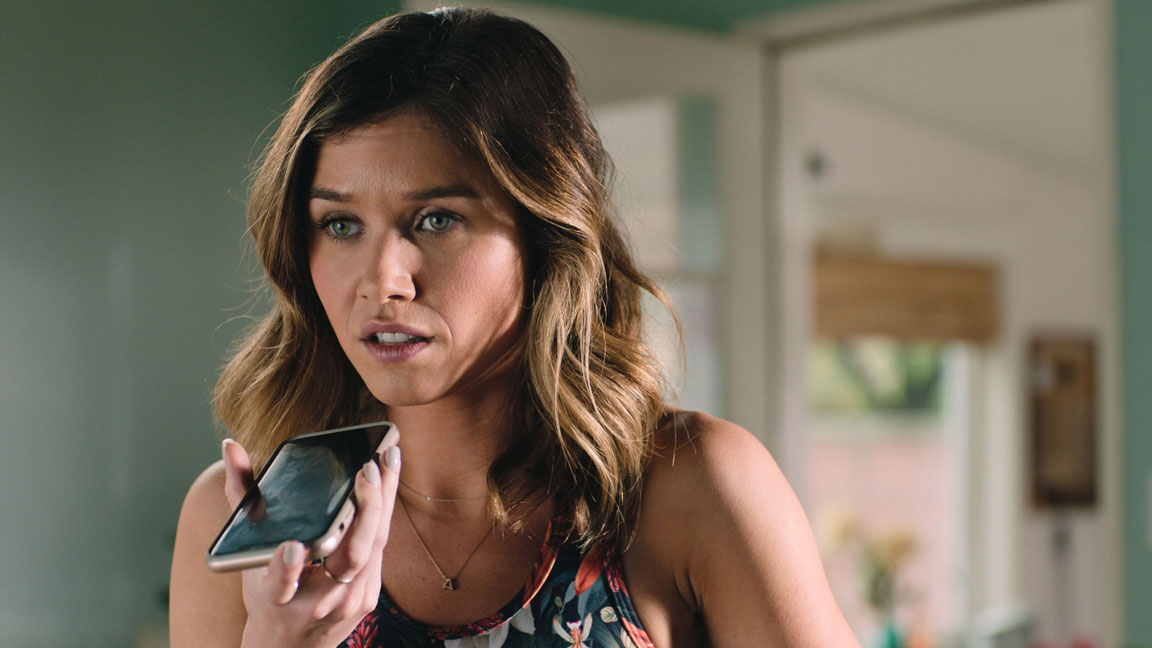
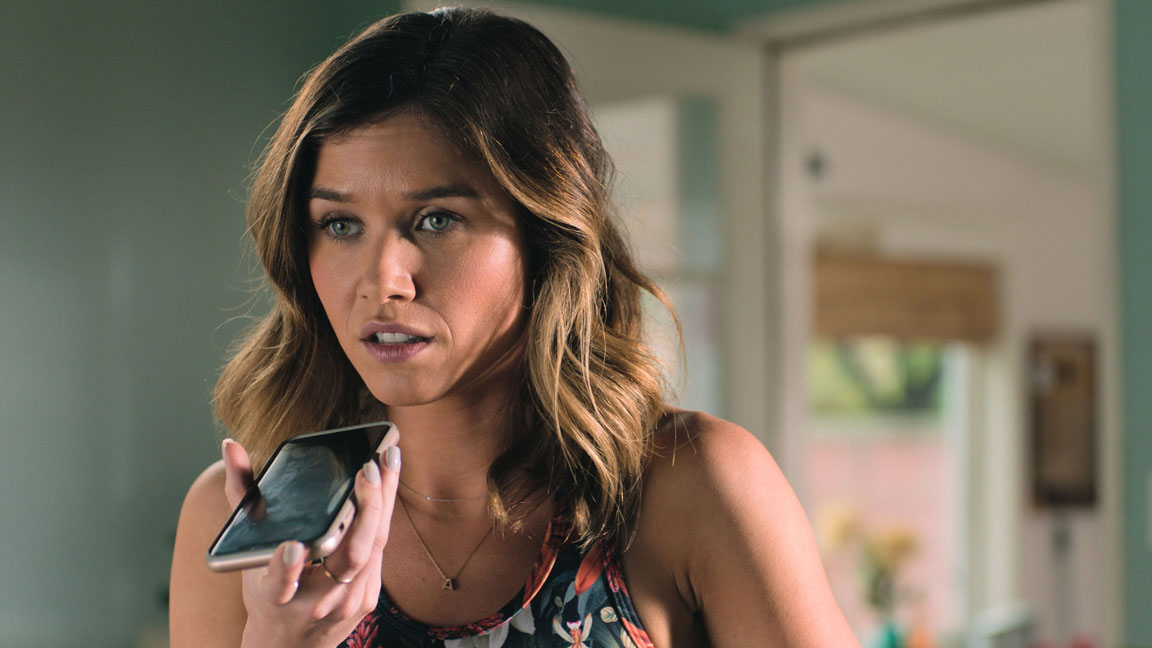
Shape contrast by adjusting saturation independently in dark and light areas of the image. Your image feels more dynamic and dimensional - without the harshness or detail loss that comes from pushing traditional contrast. This 'saturation contrast' is a huge part of what makes films from The Wizard of Oz to John Wick feel richly saturated but never garish.
Before

After

Before

After

Before

After

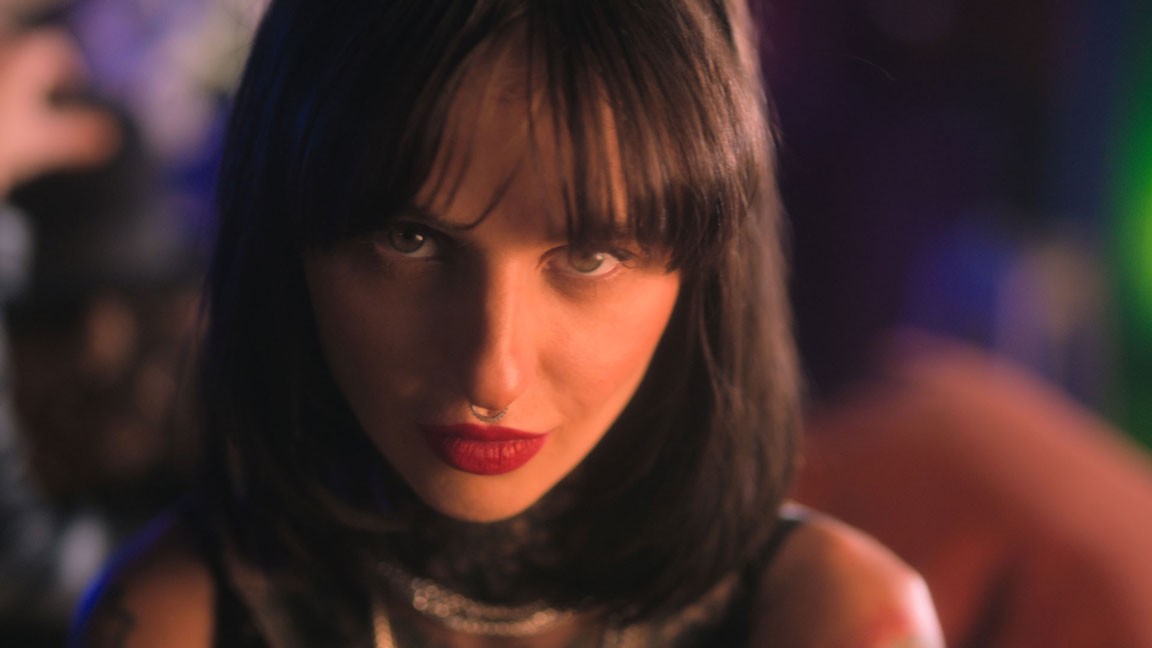
Create rich saturation in medium to dark image areas, while gently bleaching unwanted color from brighter areas.

Before

After

Before

After

Before

After

PRICING


CONTOUR

Quarterly

2 Workstations

Unlimited Updates


BONUS

6 Contour Profiles

6 ready-made looks to start from,
learn from, or make your own.

$175

Billed every 3 months

CONTOUR

Quarterly

2 Workstations

Unlimited Updates


BONUS

6 Contour Profiles

6 ready-made looks to start from,
learn from, or make your own.

$175

Billed every 3 months

CONTOUR

Annual

2 Workstations

Unlimited Updates

6 Contour Profiles


BONUS

2 Day Look Design Course

8 hours of hands-on training —
master every module and how to
stack them together.

$599

Billed every 12 months

CONTOUR

Annual

2 Workstations

Unlimited Updates

6 Contour Profiles


BONUS

2 Day Look Design Course

8 hours of hands-on training — master every module
and how to stack them together.

$599

Billed every 12 months

CONTOUR

Perpetual

2 Workstations

Unlimited Updates (for v2)

6 Contour Profiles

2 Day Look Design Course


BONUS

High-quality practice footage library

52 clips across 5 real projects.
Practice your grading and build looks on professional footage.

$850

Own forever

CONTOUR

Perpetual

2 Workstations

Unlimited Updates (for v2)

6 Contour Profiles

2 Day Look Design Course


BONUS

High-quality practice footage library

52 clips across 5 real projects. Practice your grading
and build looks on professional footage.

$850

Own forever

The free trial of Contour includes:

Unlimited time use

ALL features


Note: Contour Watermark applied to Free Trial

Try Contour free

VERIFIED USER

"I just have to say... man this plugin is impressive."
"I just have to say...
man this plugin is impressive."

NEWSLETTER

Straight from the suite.

Stories, insights and first access to new tools and courses.

NEWSLETTER

Straight from the suite.

Stories, insights and first access to new tools and courses.